Variants and reuse
One specification.
Every variant.
Variant management is built into Mirador – and what several products share, you maintain once.
At a glance.
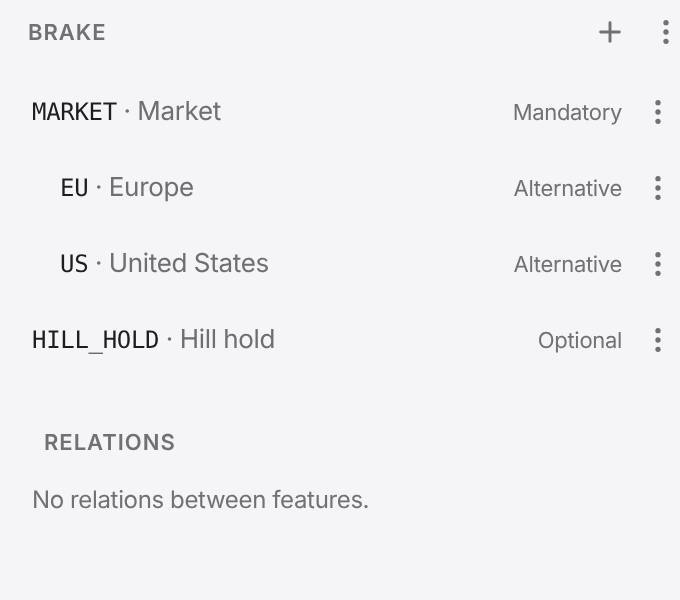
4 feature kinds
Mandatory, optional, alternative, or.Plus rules: one feature requires or excludes another.
3 operators
AND, OR, NOT for where an artifact applies.For example BRAKE.EU AND NOT BRAKE.HILL_HOLD.
2 views
Only what applies – or everything, marked.For the selected variant.
Feature trees and variants
Arrange features in trees, for all projects or per project, with rules between them. A variant is a selection of features that Mirador checks for contradictions.

One specification, every variant
Select a variant and Mirador shows only what applies to it – in the tree, in traceability, in baselines, documents and exports. Or see everything, with what does not apply marked.
Reuse across projects
A base artifact keeps its identity in every project; copies in a sync group show where their versions differ, and you adopt changes selectively. If two lines of a specification have drifted apart, a three-way merge brings them back together.
Also in Mirador
Variant report
The report shows per specification how many nodes each variant contains, which appear in no variant, where a selection excludes the one it inherits, and which features are never used.
See for yourself.
In a demo we show you Mirador on a sample project and answer your questions about integration, operations and data protection.