AI assistance
AI suggests.
You decide.
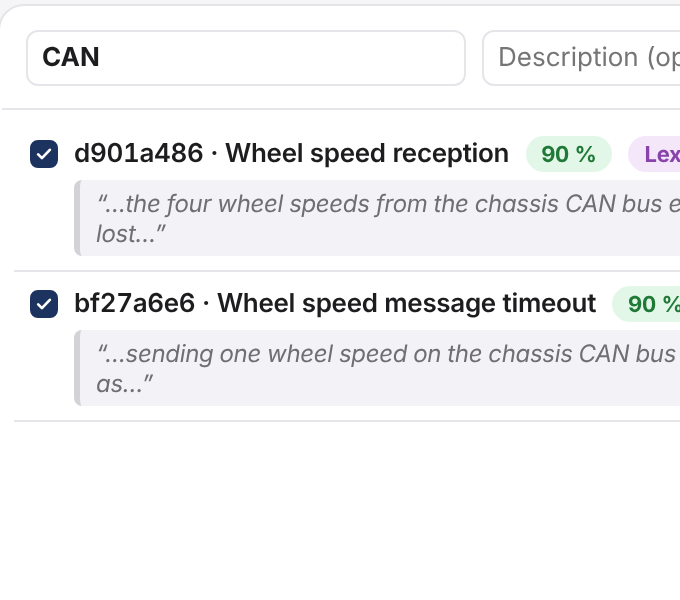
Mirador detects interfaces, suggests features and classifies requirements – only what you approve goes into the specification.
At a glance.
3 analyses
Interfaces, features, classification.Every suggestion with its evidence.
2 connections
For a language model: Anthropic or OpenAI-compatible.Self-hosted too in your own data centre. You never have to use one.
Suggestions with evidence
Every suggestion shows what it rests on: a passage, keywords or confirmed examples. So you see why it was made – and whether it is right.
You decide, not the machine
Suggestions collect in a working copy and reach the specification only with your approval, as one change set. Every change made this way is marked and carries the name of the person who approved it.
Learns from your decisions
The classifier learns from what you confirm – locally on the CPU and offline; what it stores is weights, not requirement text. In your own data centre, you decide which language model takes part: one from Anthropic, an OpenAI-compatible one – self-hosted if you like – or none at all.
Where the learned knowledge is not certain enough, and for feature suggestions, Mirador asks the language model, if one is set up. Weights learned from only a few examples can allow conclusions about those requirements – so treat exported knowledge as confidentially as the texts themselves.
Also in Mirador
Cost limit per user
Mirador counts what the language model uses per user and day against a limit you set. Once it is reached, the analysis carries on without the language model.
Outline based on DI-IPSC-81431A
An outline profile with the 18 chapters of a requirements specification based on DI-IPSC-81431A is built in; copy it to adapt it.
Take what it learned with you
Export what the classification has learned and load it into another installation.
See for yourself.
In a demo we show you Mirador on a sample project and answer your questions about integration, operations and data protection.